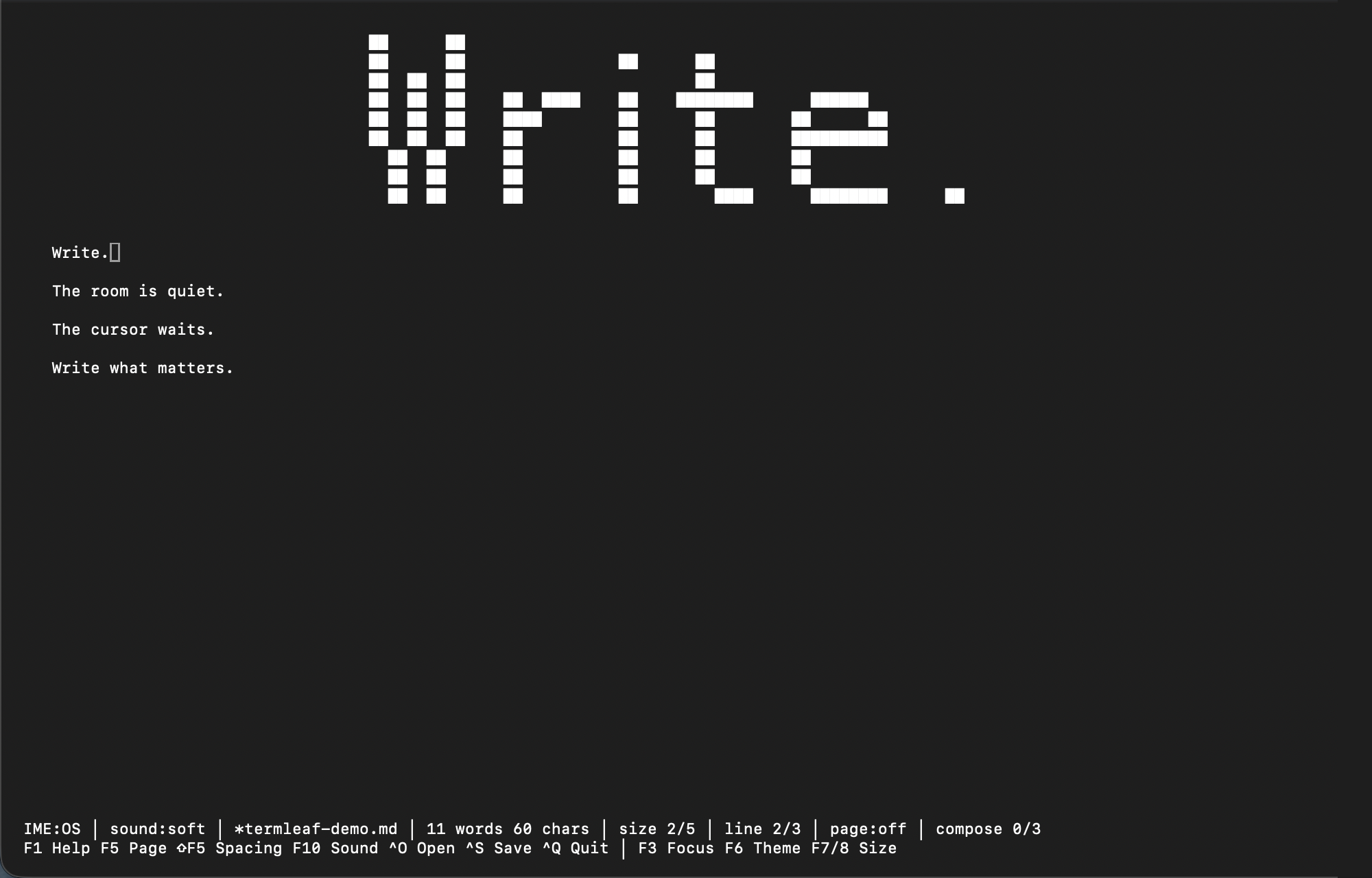
Distraction-free focus mode
Clear away panels and notifications until only the sentence remains. One press of F3 brings everything back.
TERMINAL v0.6.0 · macOS, Linux & Termux
Termleaf is a distraction-free terminal text editor built for focused writing. Plain-text files, a quiet screen, and the tactile rhythm of real typewriter sound.
WHY TERMLEAF
Plenty of tools are built for code. Termleaf chooses a narrower purpose: open a plain-text document, write your thoughts, and save. In that moment, only your words remain on screen.
MADE FOR WRITING
Clear away panels and notifications until only the sentence remains. One press of F3 brings everything back.
An 80-column paper width, three line-spacing levels, and non-destructive wrapping keep long paragraphs comfortable.
Optional Korean and Japanese packs extend Galmuri9 pixel type across Hangul, kana, and thousands of CJK glyphs.
Keystrokes, deletion, and carriage returns shaped from real recordings give every draft a tactile rhythm.
FOUR MOODS
From bright paper to true black, phosphor green, and an amber terminal glow.
A PLACE ON YOUR DESKTOP
The familiar Termleaf writing space, in a desktop app. Choose your system and start a draft.
Desktop previewv0.1.0-preview.1
Apple Silicon + Intel
x64
x64
An early preview. macOS is signed with Developer ID and notarized by Apple. Windows is unsigned. Check the installation notes before opening.
TERMINAL · ONE COMMAND AWAY
One command gets you set up. Open your terminal and start your first draft.
curl -fsSL https://termleaf.com/install | shtermleaf memo.md